
i-tec USB-C Dual Display Docking Station with Power Delivery 100W + i-tec Universal Charger 112W
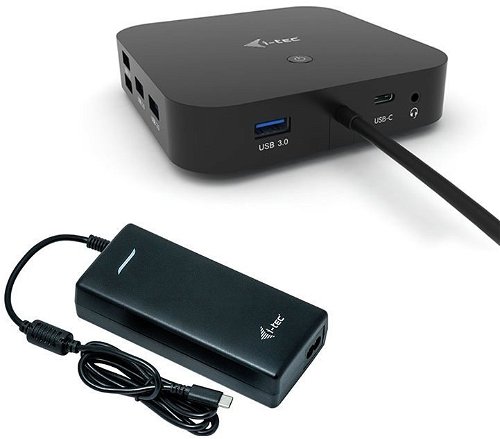
i-tec USB-C Dual Display Docking Station with Power Delivery 100W + i-tec Universal Charger 112W
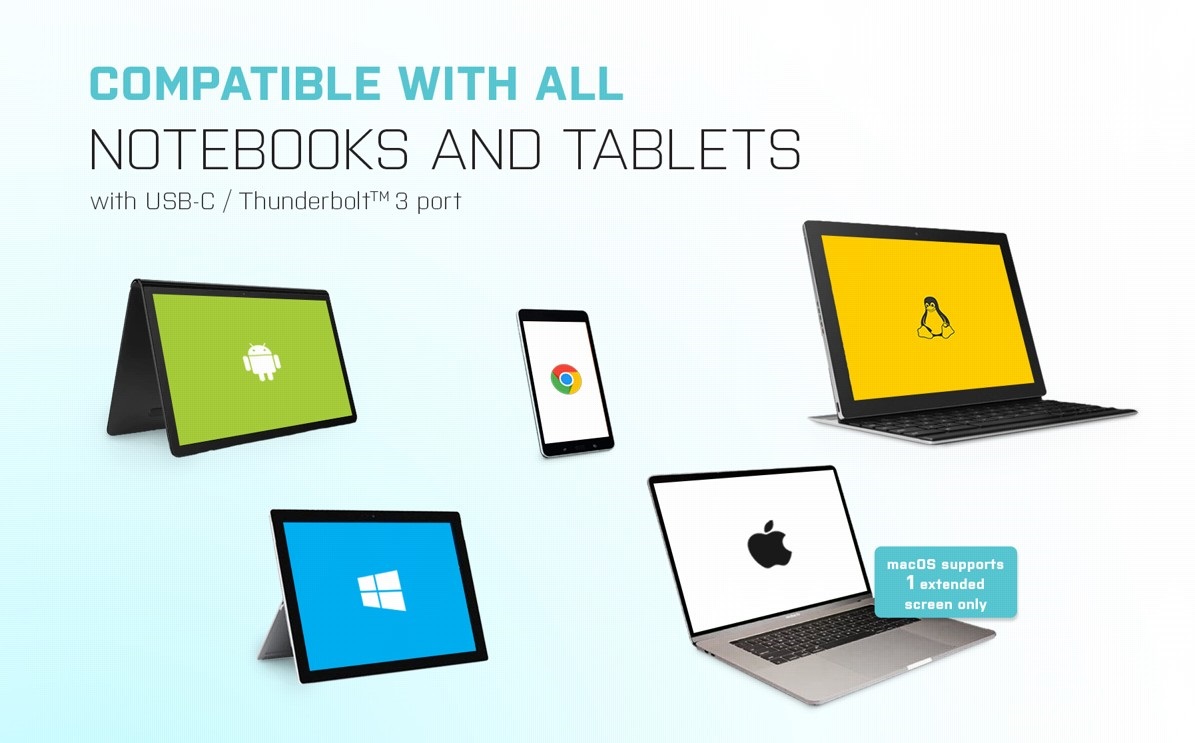
Universal i-tec USB-C Dual Display Dock with Support for up to 4K Resolution
You can use the i-tec USB-C Dual Display Dock with any laptop, tablet or smartphone—regardless of type, brand or operating system. All you need is a laptop, tablet or phone with a free Thunderbolt 3 or USB-C port that can transfer video signals.
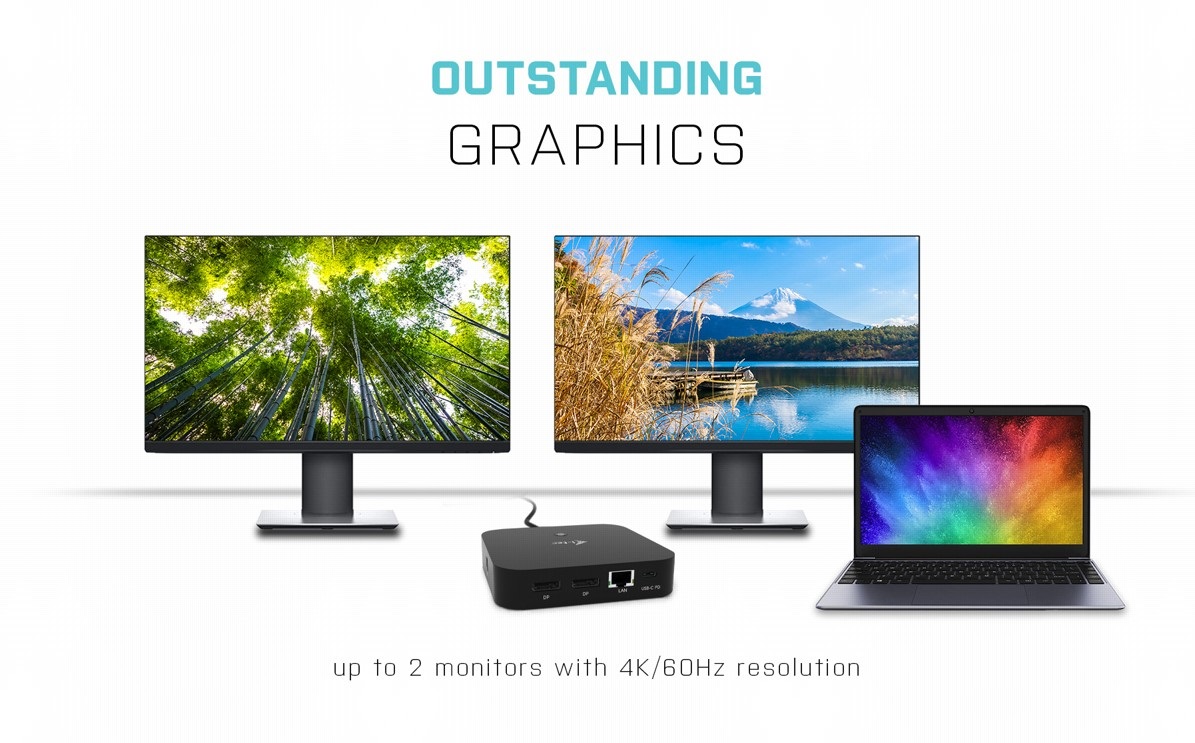
Easily Connect up to two 4K Monitors with the i-tec USB-C Dual Display Docking station
If you appreciate fine, high-resolution graphics, you will appreciate connecting the i-tec USB-C Dual Display Docking Station to a pair of external monitors using DisplayPort connectors. DP 1.4 HBR3 DSC supports up to 4K resolution at 60Hz. Please note that macOS does not support Multi Stream Transport (MST) technology. If you connect two monitors to the station when using macOS, both monitors will show the same image.
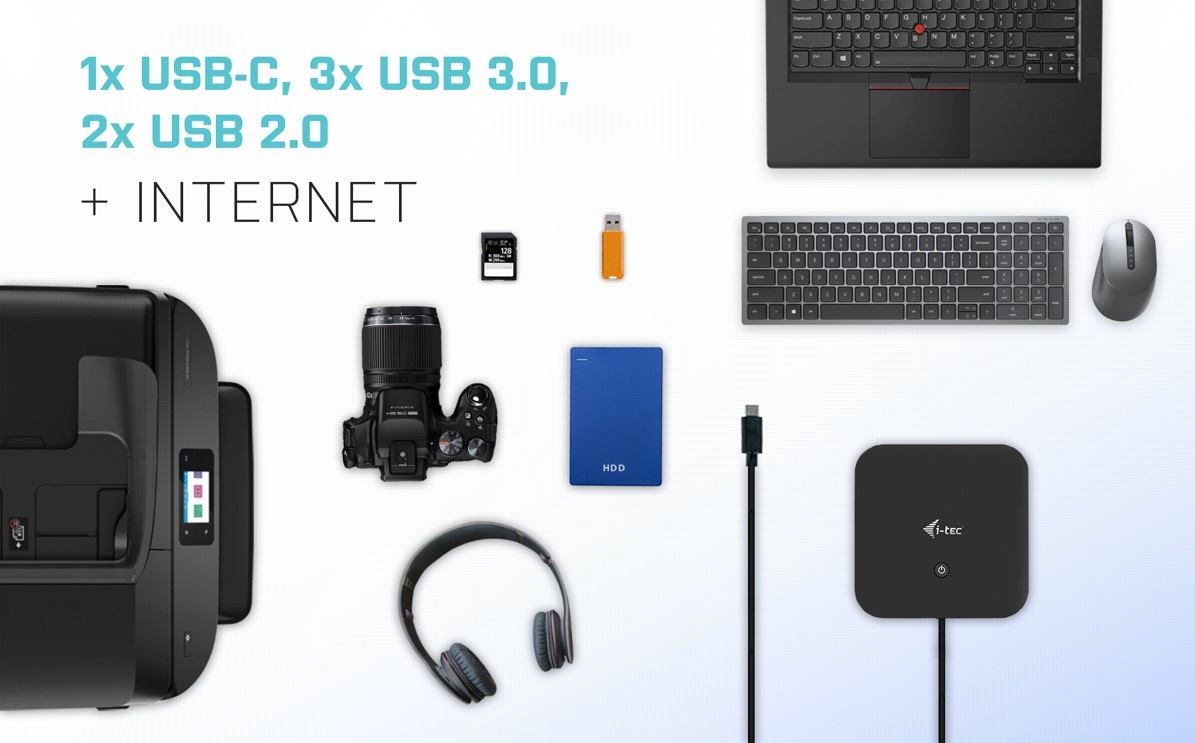
i-tec USB-C Dual Display Offers Plenty of Traditional Ports
With the i-tec USB-C Dual Display Station, you'll never suffer from a lack of connectors. You can connect a printer, a keyboard, an external drive and a regular flash drive. You get three USB 3.0 ports, one USB-C port, two USB 2.0 ports and one LAN connector for access to the data network.
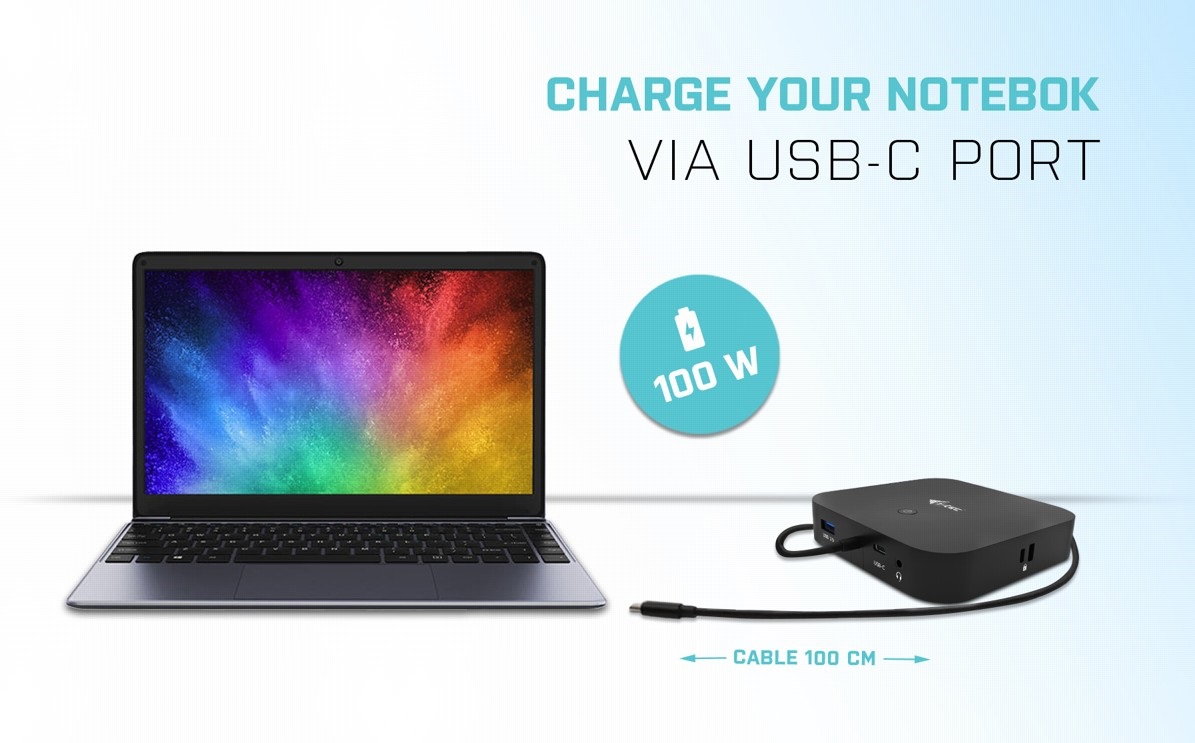
Charge Your Laptop with the i-tec USB-C Dual Display Docking Station
The new USB-C port has plenty of tricks up its sleeve! As long as your laptop or tablet supports power delivery through this port, you can connect everything you need (data transfer, Internet, video and power supply) using a single cable.
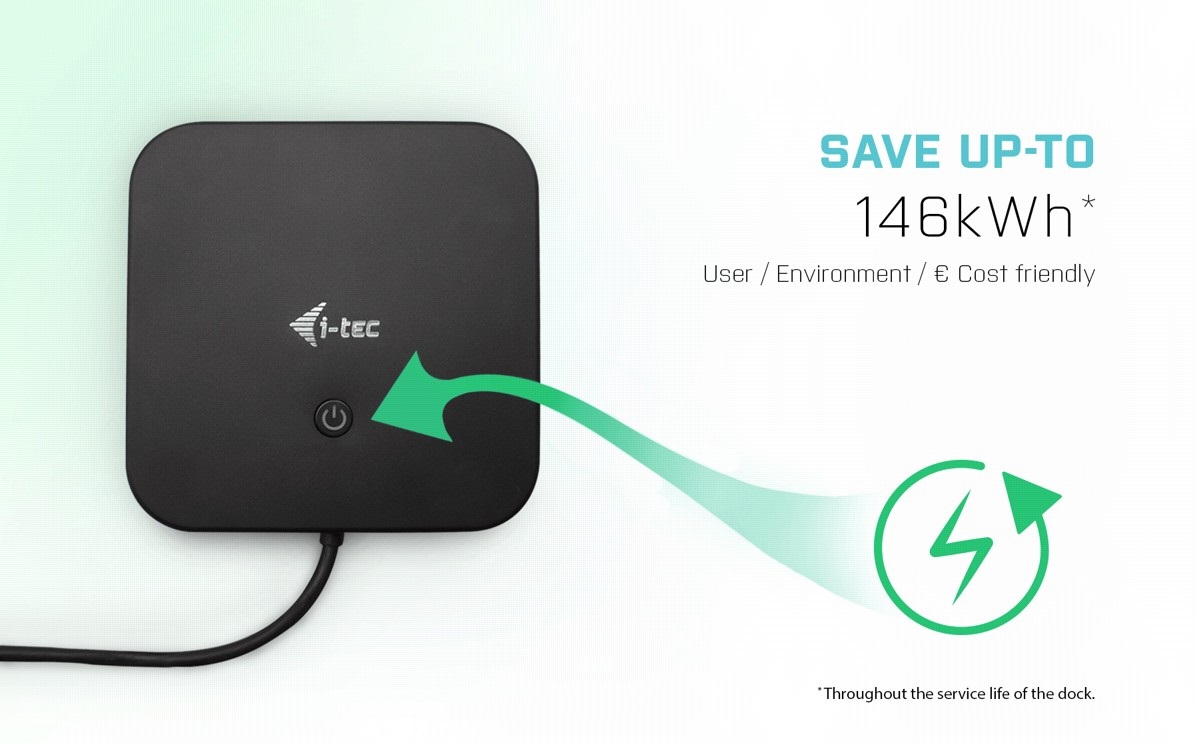
The i-tec USB-C Dual Display Docking Station Saves You Money
Every electrical device has a small continuous consumption. However, this can add up to a larger amount of wasted energy over the lifetime of the product. Luckily, the i-tec USB-C Dual Display Dock boasts a button that you can use to completely stop the power supply. Take care of the pennies and the pounds will take care of themselves.
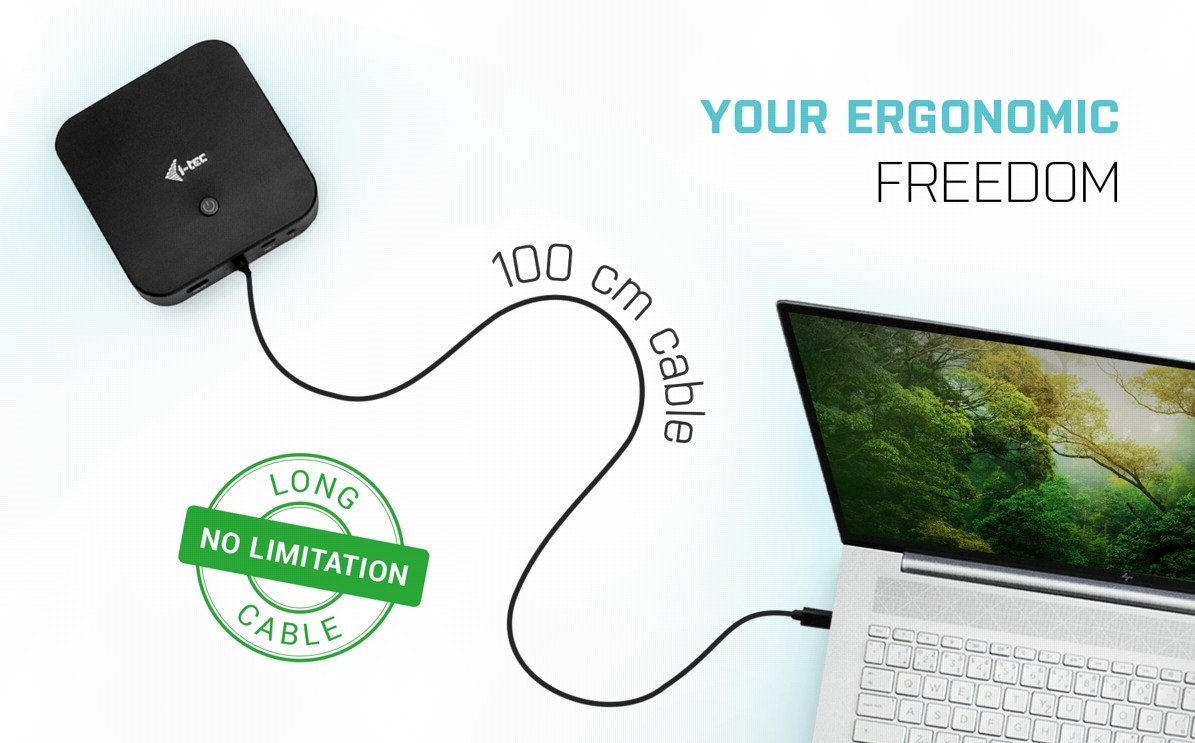
Long Cable
To help you organise your space, you'll appreciate that the i-tec USB-C Dual Display Dock comes with a 1-metre long cable. This allows you to position the docking station so that it doesn't get in the way.
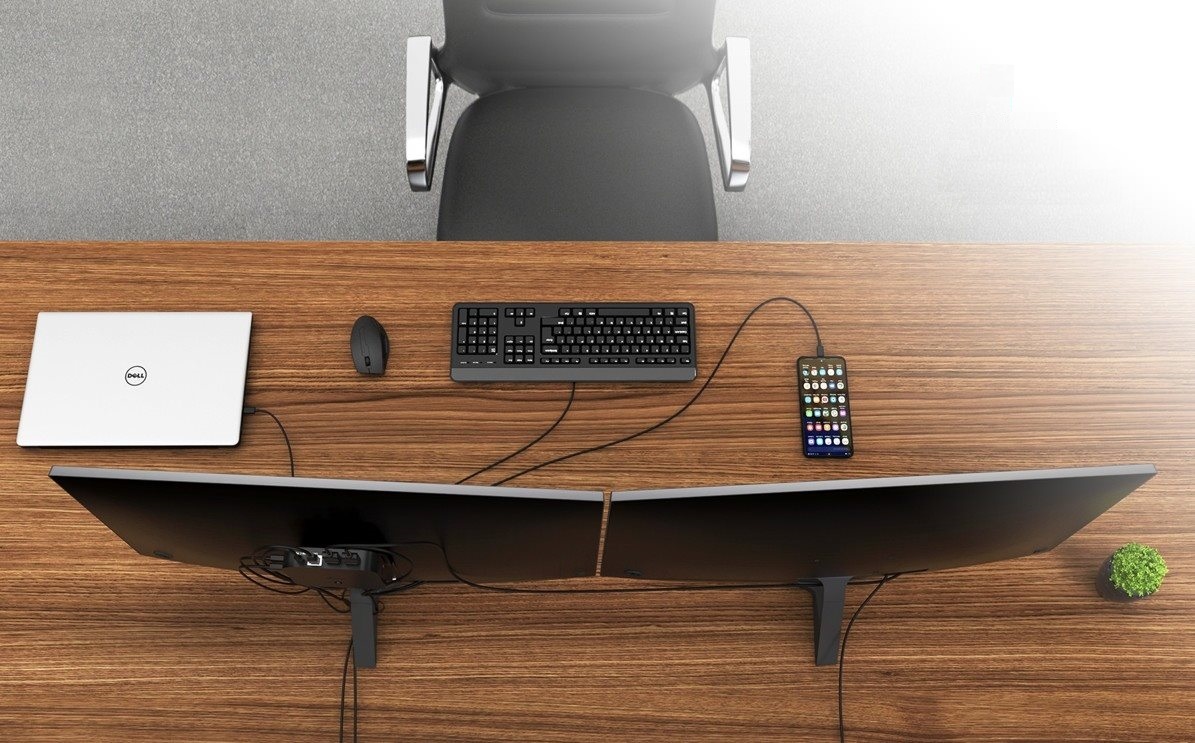
Attach the i-tec USB-C Dual Display Docking Station Conveniently to the Back of Your Monitor
As a tidy desk makes for a tidy mind, you will be delighted that you can easily mount the docking station behind a VESA-compliant monitor. Cables and other equipment getting in your way will soon become a thing of the past.
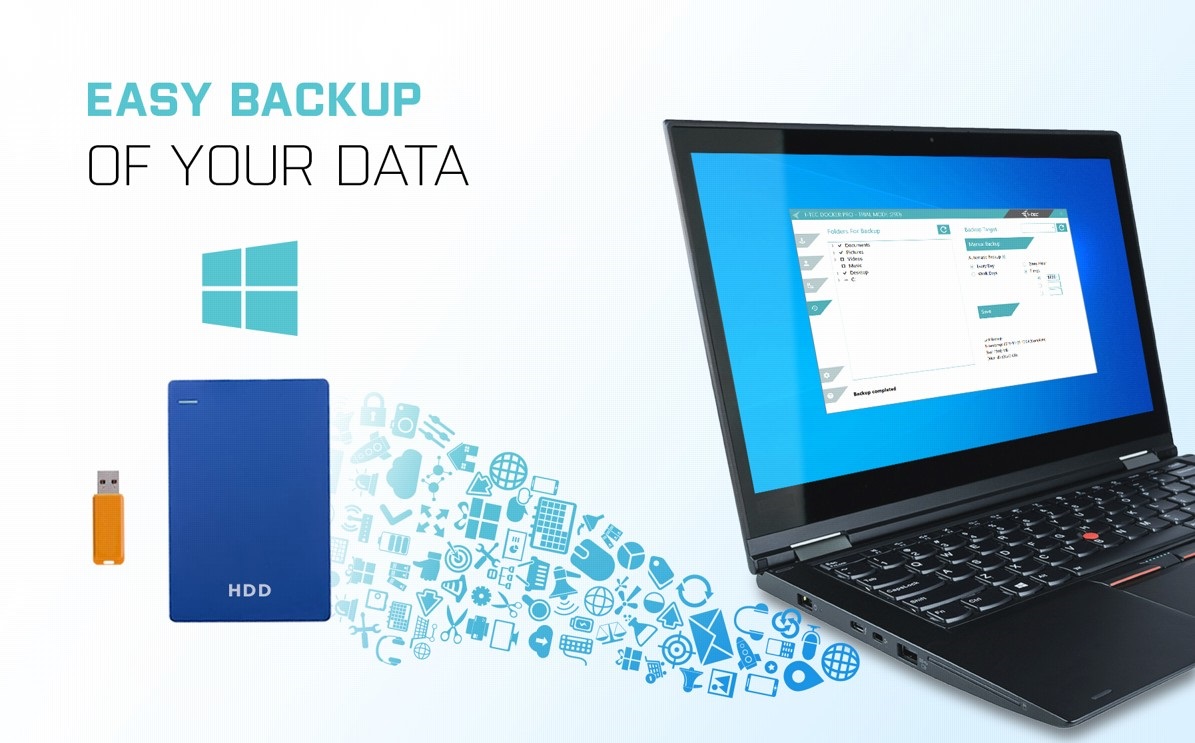
Backup Data Easily with the i-tec USB-C Dual Display Dock
If you use the Windows operating system and need to regularly backup important files, you'd be well-advised to install the free i-tec Docker Pro add-on. Just connect any hard drive or flash drive to the i-tec USB-C Dual Display Docking Station, and the rest is just a matter of a few mouse clicks.
Key Features—i-tec USB-C Dual Display Docking Station
- USB-C docking station that supports up to 2× external monitor in 4K resolution at 30Hz
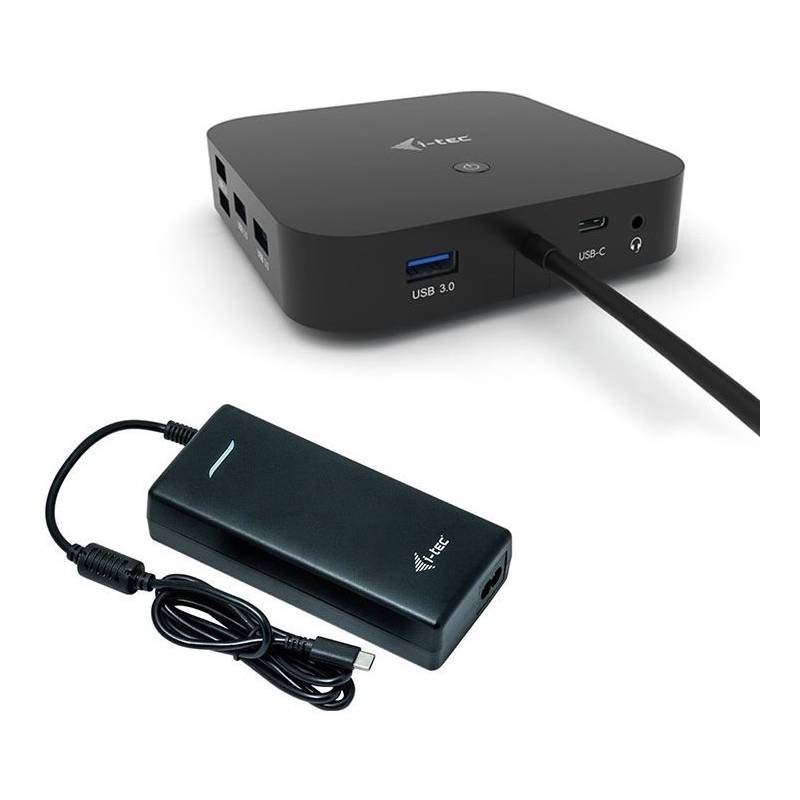
- Power delivery: Up to 100W (power adapter included for a total of 112W)
- You can attach the dock using a VESA mount behind a VESA-enabled monitor
- 3× USB 3.1, 1× USB-C 3.1 and 2× USB 2.0 allow you to easily connect your USB devices and peripherals. Gigabit Ethernet RJ-45 provides reliable, robust, high-speed Internet connectivity with support for 10/100/1000 bps speeds
SPECIFICATIONS
1× integrated USB-C cable for connecting to the host device (100cm)
Docking station technology: USB-C (MST)
Power Delivery: 100W
Internal consumption: 5-10W (more info here)
Video Ports: 2× DisplayPort
Resolution:
DP 1.2 HBR2:
1 monitor - up to 4K/30Hz
2 monitors - up to 2x 1080p/60Hz*
DP 1.4 HBR3:
1monitor - up to 4K/60Hz
2 monitors - up to 2x 1440p/60Hz*
2 monitors - up to 2x 4K/30Hz*
1× USB-C port Gen. 2 (data only)
1× USB-C port gen. 2 + PD (data + power delivery)
3×USB 3.0 port
2× USB 2.0 port
1× Ethernet GLAN RJ-45 port (Realtek RTL8153)
1× 3.5 mm Combo Audio port
LED indication
ON/OFF switch toturn the docking station on and off
Support for Kensington lock
Support for VESA mounting
OS: Windows 10, macOS, Android, Chrome OS and Linux with the latest updates
Product dimensions: 113 × 113 × 40mm
Specifications
Laptop power port
Most common ports
Data ports - Number and standards
Power ports for electrical devices
Graphics ports - Number and standards
Network ports
Audio ports
Features
Packaging
Compatibility
Dimensions and weight
| Code: | JP909o18 |
| Warranty: | 24 months |
| Links: | Producer's Website: |