
XPPen Deco 640

XPPen Deco 640
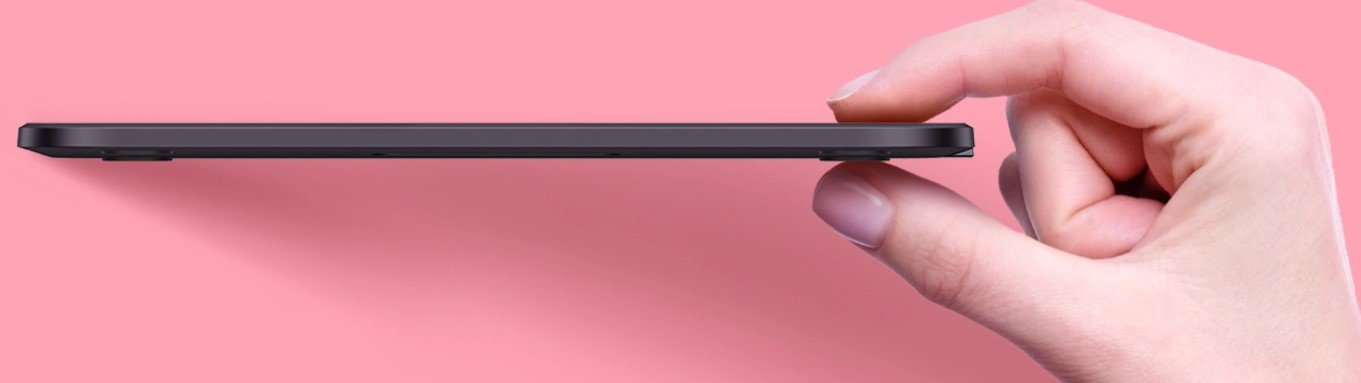
The slim and lightweight Deco 640 drawing tablet is an excellent tool for your graphic creation. The narrow curved edge design provides a spacious 16×9 cm active drawing surface and reduces wrist fatigue. You can use the tablet to create illustrations, retouch photos, sign documents or edit videos. XPPen Deco 640's eight customizable touch shortcuts provide quick access to the most frequently used keystrokes.
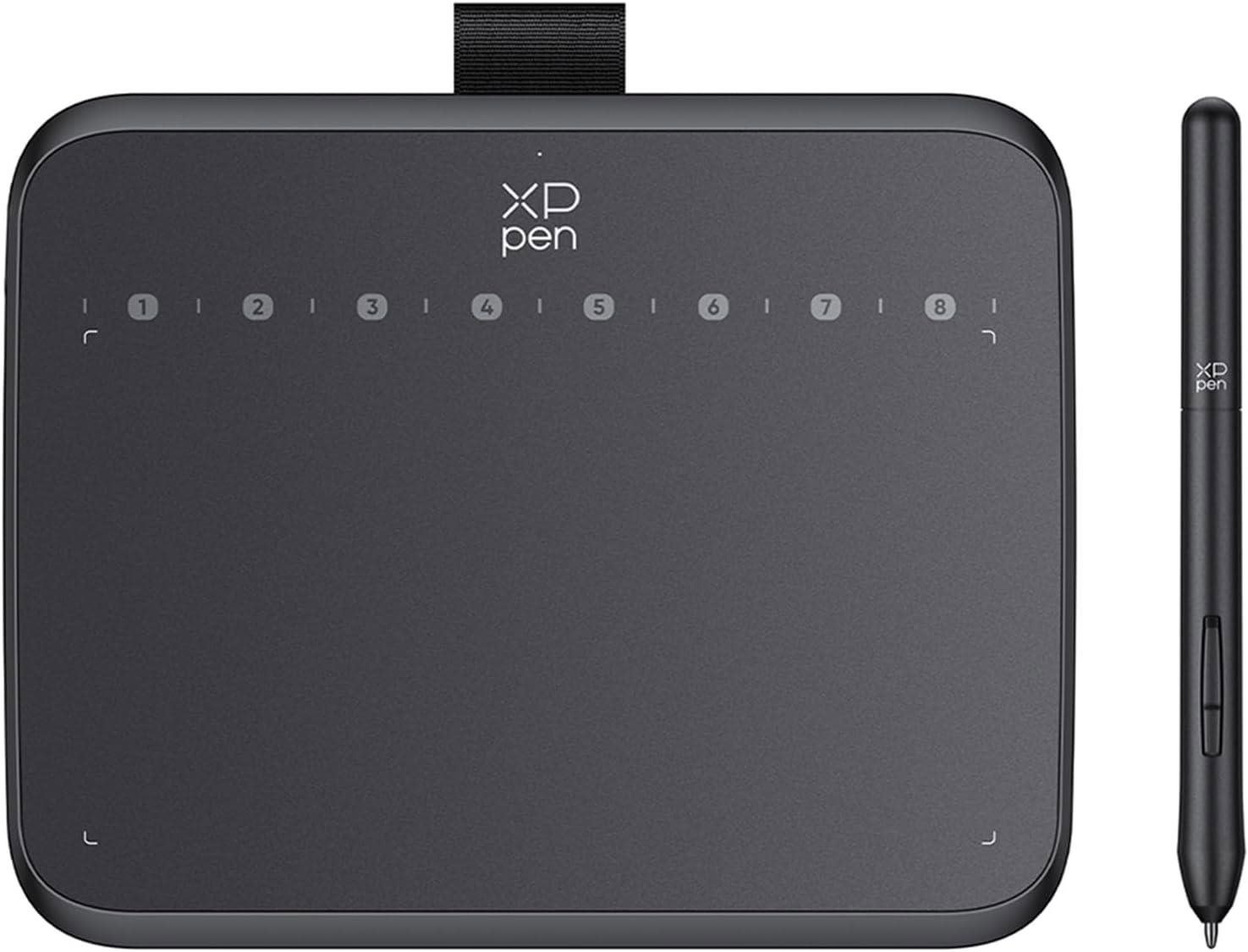
Key features of the XPPen Deco 640 graphics tablet
- XPPen Deco 640 graphics tablet for your artistic ideas
- Slim design and narrow curved edge design
- Lightweight portable design
- Eight touch key shortcuts
- Sensitive pen with recognition of 16,384 pressure levels
- USB-C connectivity
- Compatible with Windows, Mac OS, Android, ChromeOS, Linux
- Compatible with popular graphics software
High sensitivity and pen speed of the XPPen Deco 640
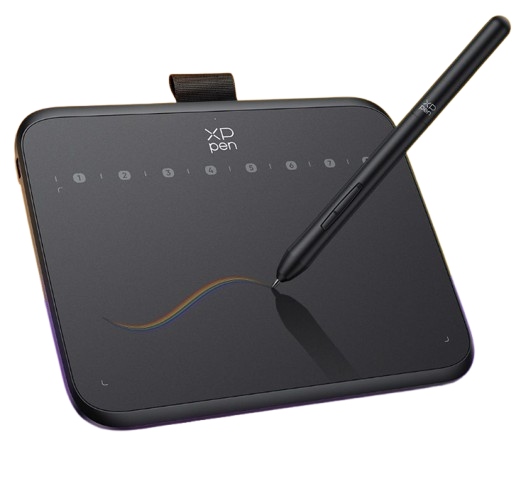
A high 16,384 levels of pressure sensitivity ensure that every stroke you make is rendered smoothly, accurately and naturally. The 60° tilt makes it easy to create shaded strokes on the Deco 640, making drawing as natural as drawing on paper. Thanks to the high 220 RPS transfer rate, there is no cursor lag when tracking the pen tip and drawings are transferred to the computer quickly and stably.
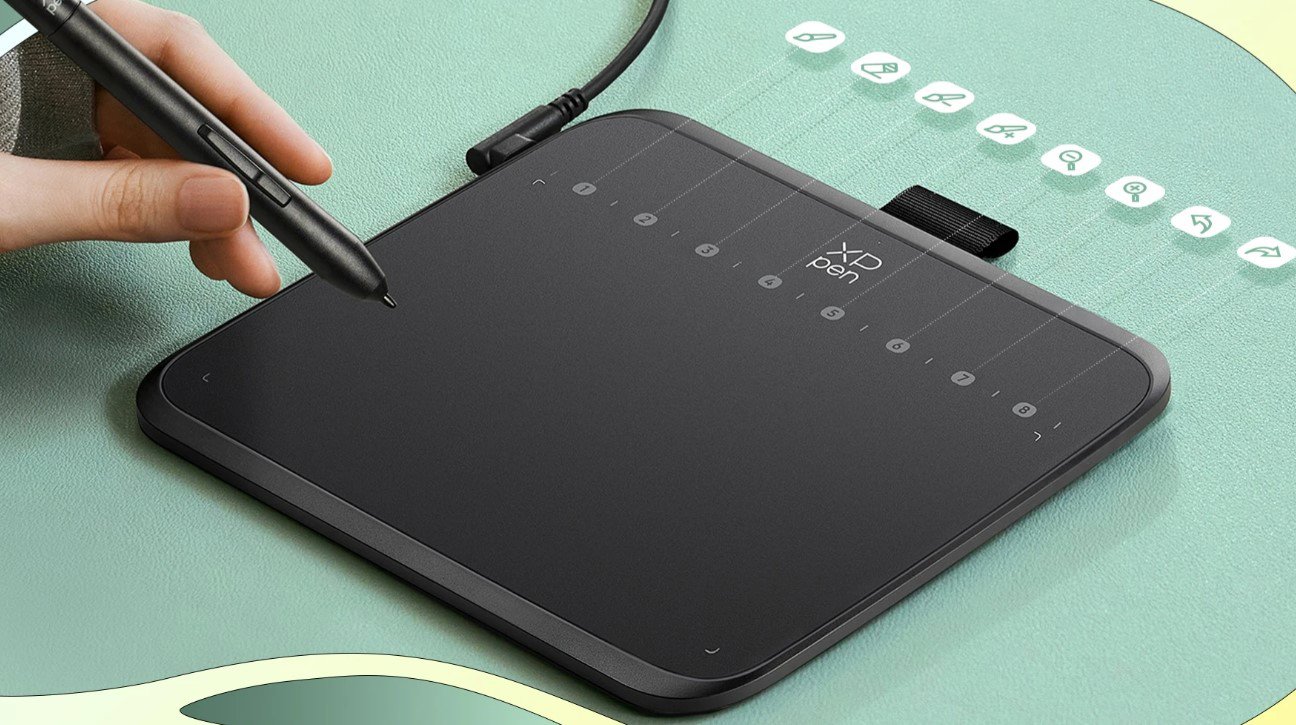
Compatibility of the XPPen Deco 640 graphics tablet
XPPen Deco 640 is compatible with Windows, macOS, Android, ChromeOS and Linux and supports a wide range of drawing and design software products. Enjoy creating with minimal learning costs and without worrying about device configuration.
Specifications
Display/Scanning surface
Connection and battery life
Package contents
Dimensions and weight
Brand/models
| Code: | XPP2o1 |
| Warranty: | 24 months |
| Links: | Producer's Website: |
| Manufacturer information |
HANVON UGEE FRANCE, Zella Zhang, 6 rue d’Armaillé, 75017 Paris, France, [email protected] 
|