
Veikk VK1060PRO

Don't like the alternatives?
Choose from the full offer
Veikk VK1060PRO

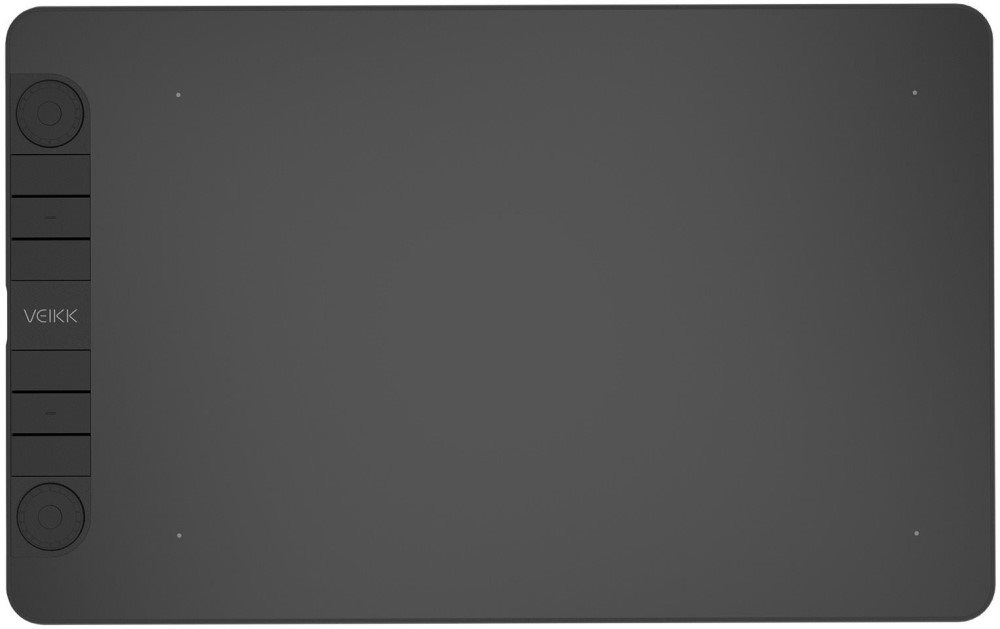
Graphic tablet Veikk VK1060PRO
Bring your creations into digital form with the Veikk VK1060PRO graphics tablet. The supplied stylus has exceptional sensitivity, resolving up to 8192 levels of pressure and a snappy 290 PPS response, ensuring high precision and smoothness during drawing and writing. The pen is also extremely ergonomic, so you get the feeling of drawing with a pencil on paper. Connect your graphics tablet to your computer or mobile phone via the USB-C connector and get to work, the pen works without a battery.

No alternative text for the photo!
Number of pressure levels
8192
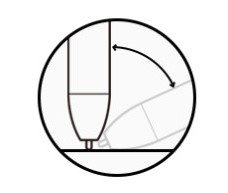
No alternative text for the photo!
Tilt of the pen
±60°
No alternative text for the photo!
Pen functionality
Without battery
No alternative text for the photo!
Response speed
290 PPS
No alternative text for the photo!
Sensing layer resolution
5080 lpi

No alternative text for the photo!
Connecting a tablet
USB-C
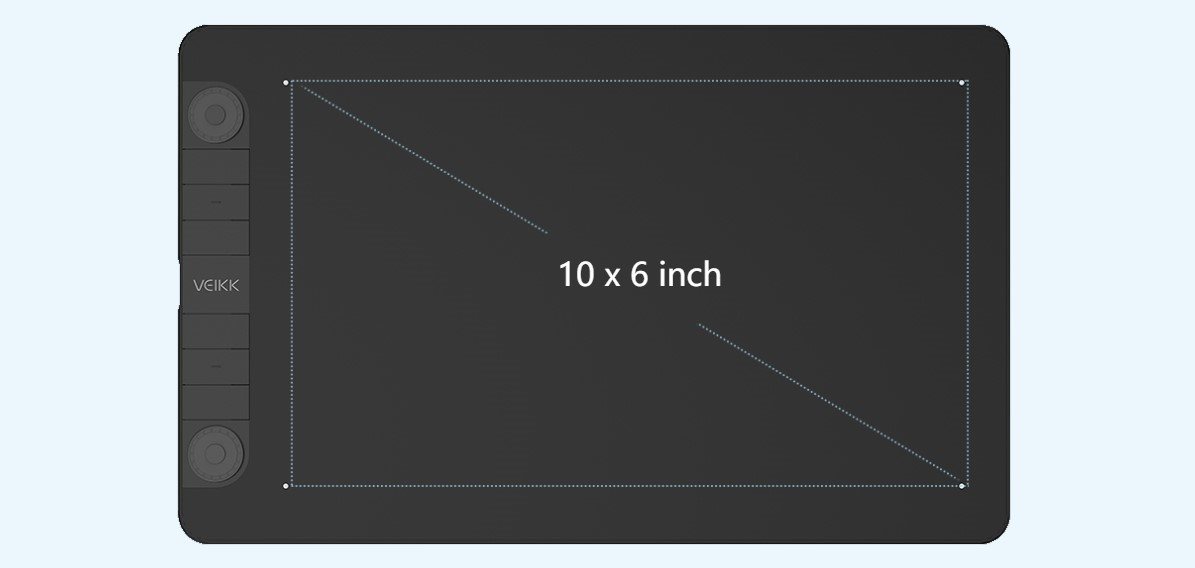
Large working area
The 10" x 6" matte surface active surface gives you ample space for your artistic creations. The Veikk VK1060PRO graphic tablet comes with 28 spare stylus tips.
Wide compatibility of the Veikk VK1060PRO graphics tablet
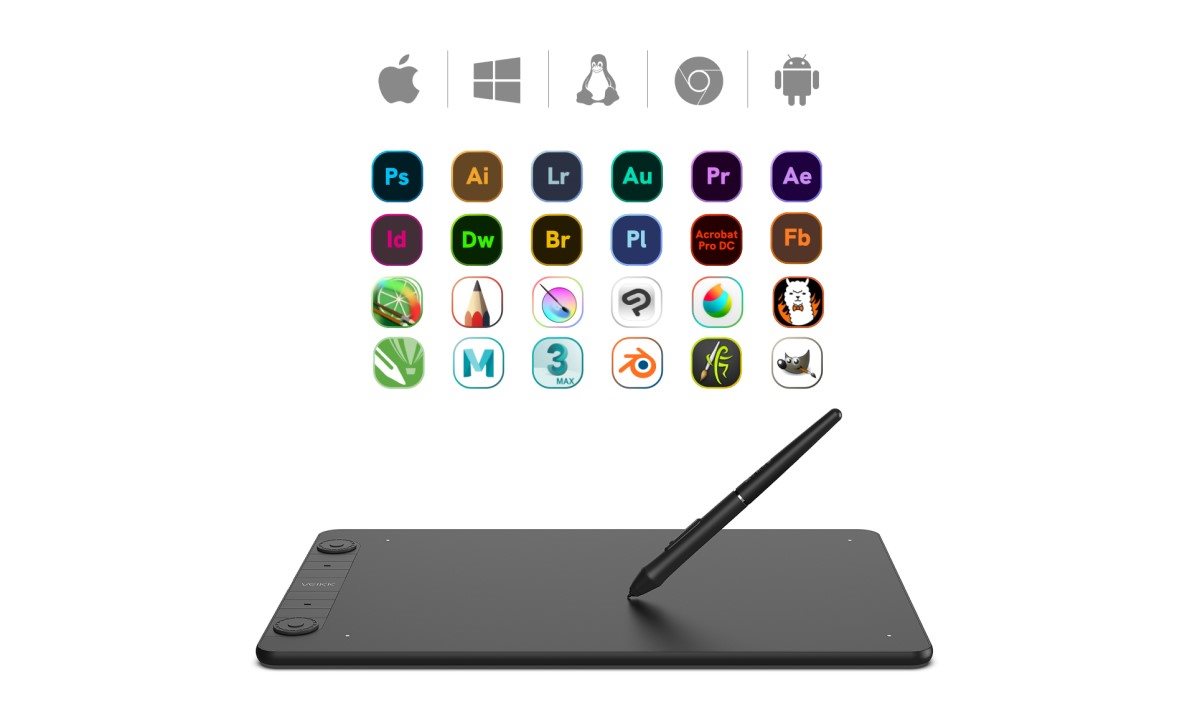
The VK1060PRO graphics tablet can be connected to a computer or mobile phone and used anywhere, anytime. You will also be pleased with the wide compatibility. It connects to Windows 11/10/8/7 and macOS 10.12 or later, Linux, Chrome OS 88 or later, and Android 6.0 or later phones (except Samsung) with an OTG connector. It allows you to work in most graphic software such as Photoshop, Krita, Illustrator, SAI, SketchBook Pro, FireAlpaca, Open Canvas, Manga Studio, ibisPaint, Medibang etc. It is suitable for drawing, design, photo editing, as well as for electronic signatures.
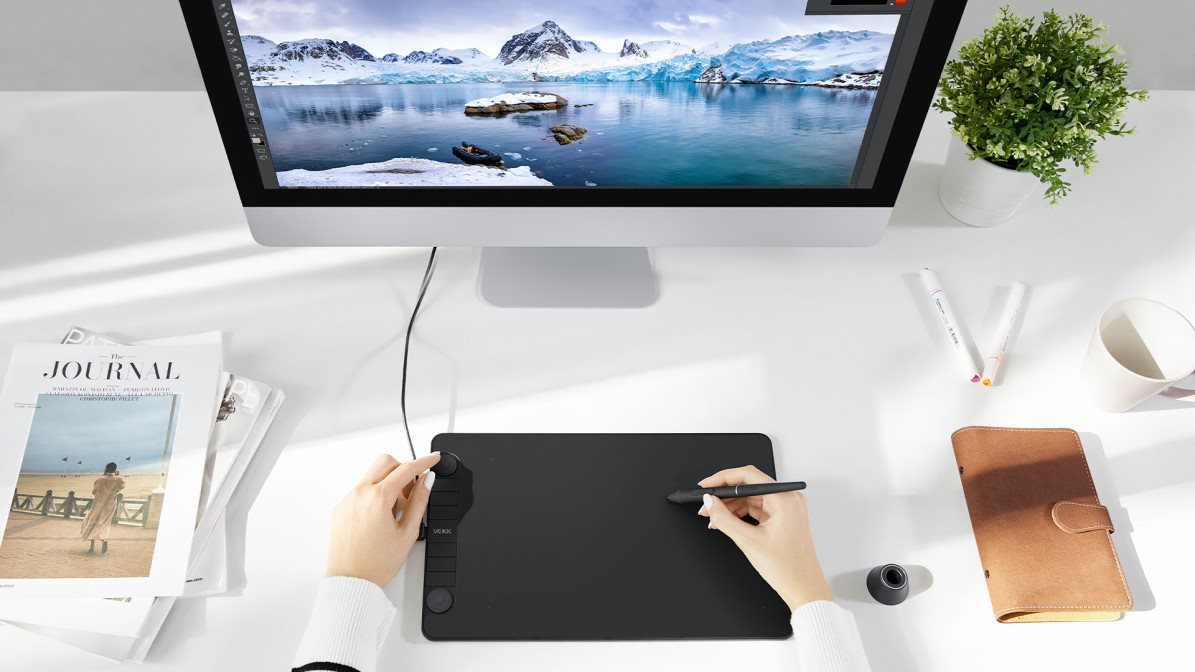
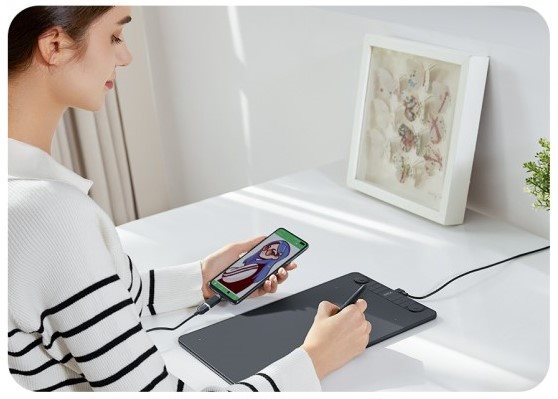
Suitable for left and right handed users
The Veikk VK1060PRO graphic tablet connects via a USB-C connector that can be inserted in both directions, making the tablet comfortable for both right- and left-handed users.
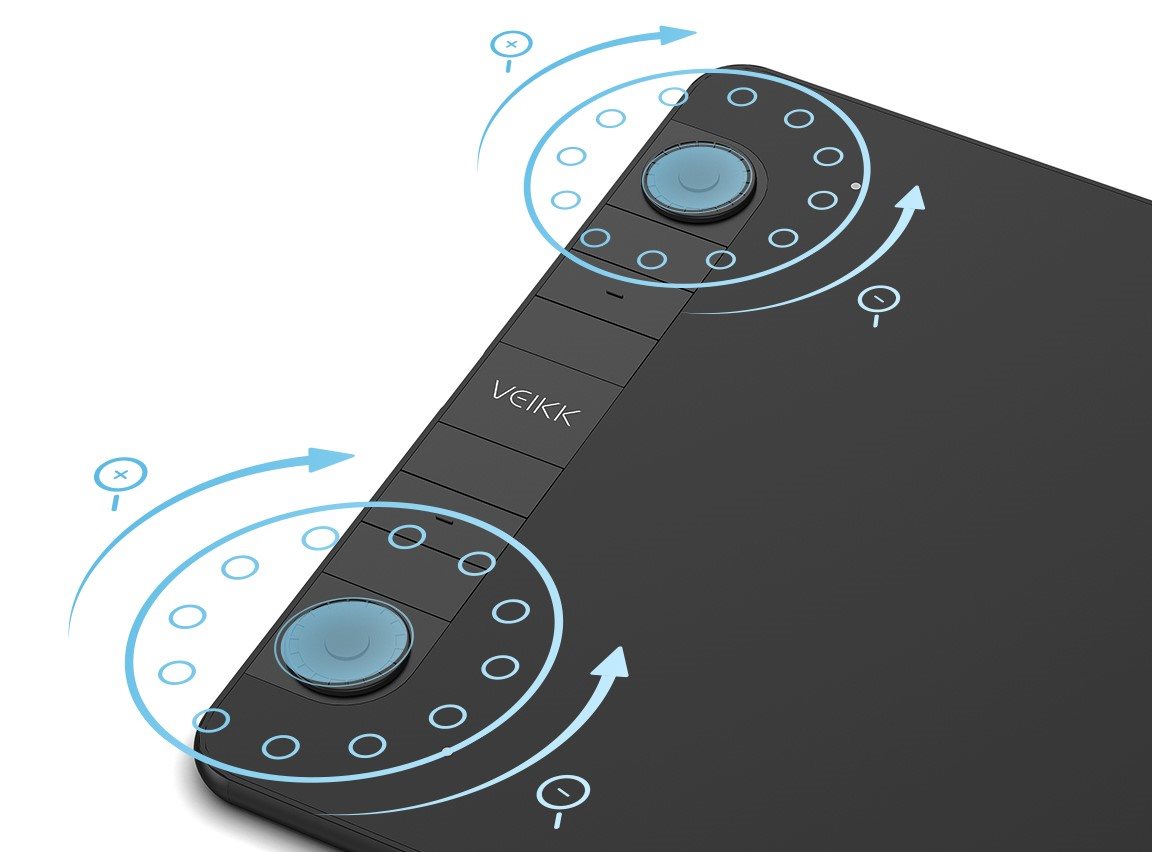
Easy to use Veikk graphic tablet
The Veikk tablet is equipped with eight adjustable touch keys and two rotary dials for quick selections that will make your work as pleasant as possible. You can program zoom in and out, scroll up and down, etc. There are two buttons on the body of the pen, one to switch from pen to eraser and back, the other works as a right mouse button.
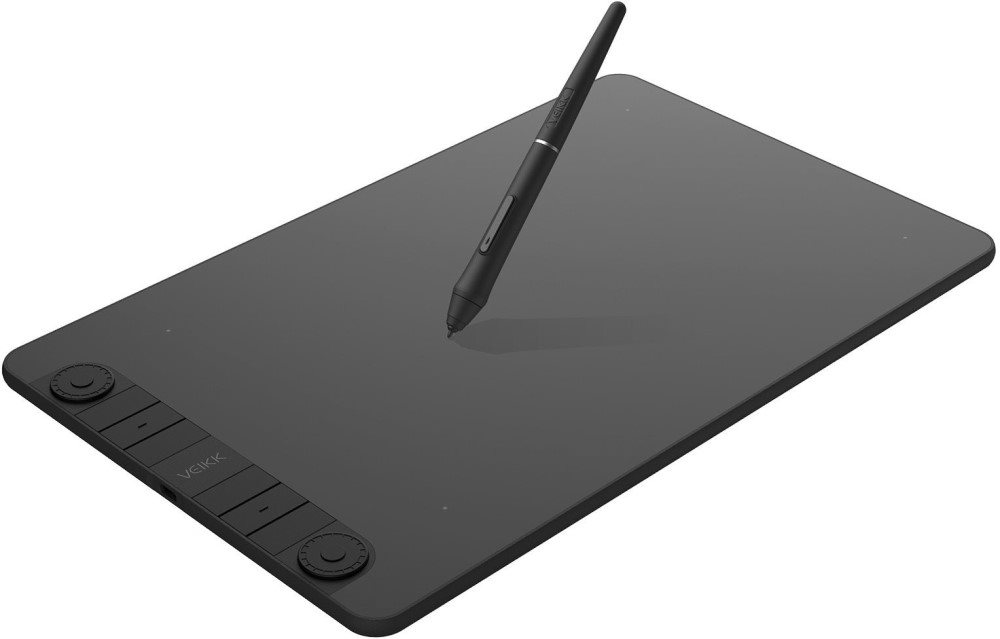
Package contents:
Graphic tablet VK1060Pro
USB-C cable
P05 battery-free pen
Pen case
Pen holder
28× pen tip
Spike extractor
Quick Guide
Add Carousel
Insert product group ID
To cancel an existing carousel, just click on the Add product without value button!
To purchase you will need
Specifications
Display/Scanning surface
Connection and battery life
Package contents
Dimensions and weight
Brand/models
| Code: | VEIKKa1 |
| Links: | Producer's Website: |