
Tenda V12 Wireless AC1200

Don't like the alternatives?
Choose from the full offer
Tenda V12 Wireless AC1200
Need to share your Internet connection using a WiFi router? The Tenda V12 Wireless AC1200 is designed for sharing high-speed Internet connection and large signal coverage. It uses 802,11a, 802,11b, 802,11g, 802,11n and 802,11ac standards and Dual-band frequency., which means it uses two bands. The device features 4 external antennas. The router's total antenna gain is 5dBi. The handy DHCP functions of this model include Server, DHCP Client List, Address Reservation, DynDNS and NO-IP. The WiFi bandwidth speed reaches 1167 Mb/s.
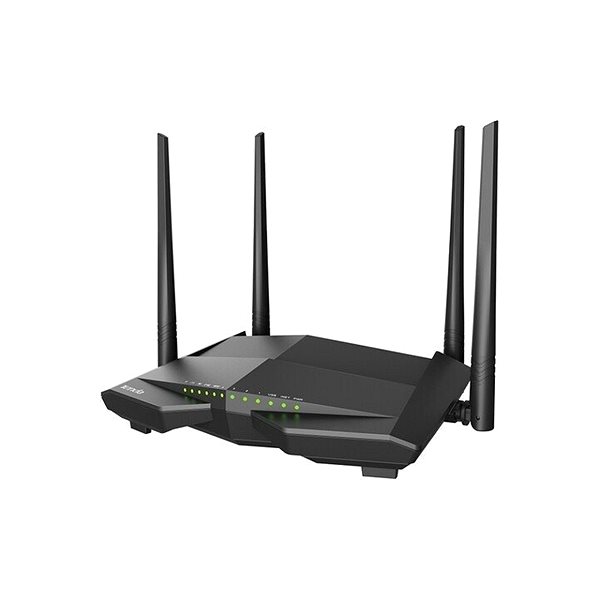

Tenda V12 Wireless AC1200 WiFi Router Key Features
- The router's stylish design coupled with a colour scheme makes it suitable for any interior
- Supports 802,11a, 802,11b, 802,11g, 802,11n and 802,11ac
- WiFi speed up to 1167 Mb/s
- Improved network security thanks to data encryption
- Full household WiFi signal coverage thanks to the access point function
- The router installation and setup is so easy anyone can do it
- The device is equipped with a USB 2.0 connector
- Parental controls for better network activity monitoring
- WiFi Router works with IPv6 protocol
- Can create Guest Zone for network protection
- Maximum SSID count: 4 ×
- Number of external antennas: 4
- Tenda V12 Wireless AC1200 router antenna gain: 5 dBi
Advanced Encryption with the Tenda V12 Wireless AC1200 WiFi Router
The Tenda V12 Wireless AC1200 router encrypts your data to safeguard your privacy. The router's encryption standards include WPS, WPA, WPA-PSK and WPA2-PSK. This makes the router a good tool for secure web browsing.
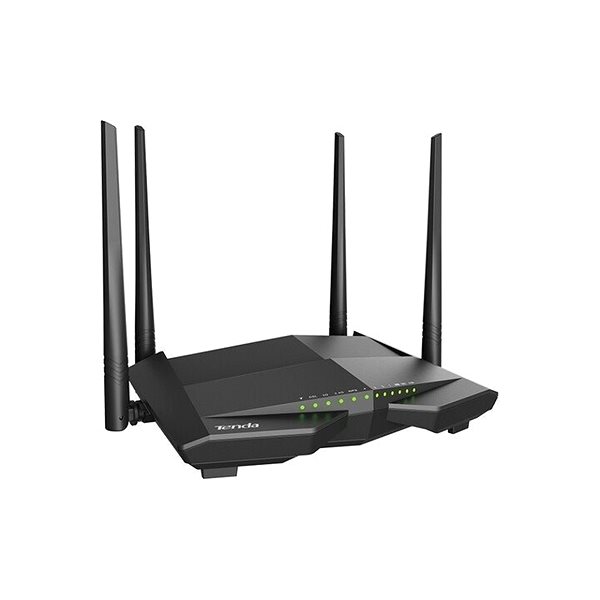
Hassle-Free Setup with the Tenda V12 Wireless AC1200 Router
You don't need a professional to setup your device. Before you start, please read the included setup guide. Then you just need to connect the cables and in some cases enter the information from your internet provider. The router is also equipped with the WPS button for super easy network connection. Just press the button on the WiFi device and you are in.
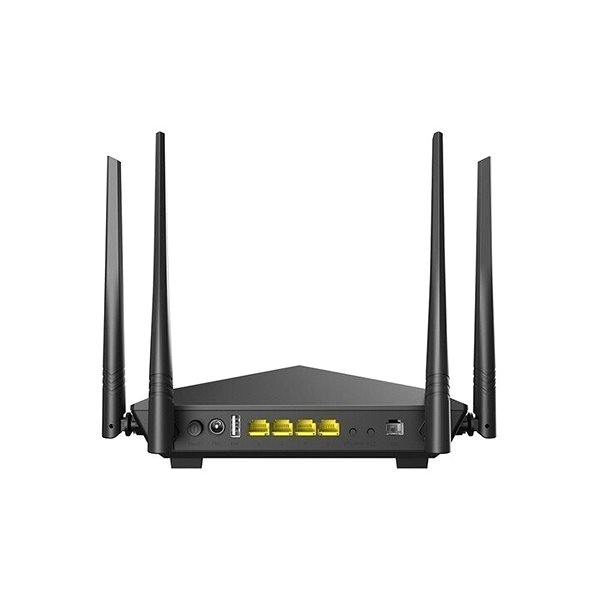
Tenda V12 Wireless AC1200: Reliable Wired and Wireless Internet
You can use USB to link the Tenda router to other network peripherals, such as a hard drive or a printer.
Specifications
Number of LAN ports
Package contents
Standards and frequency
Functions
Speed
Type
Security
Connectors
Antenna features
Advanced parameters
Počet WAN portů
Dimensions and weight
| Code: | Tenda21_10 |
| Links: | Producer's Website: |
| Manufacturer information |
INTELEK LTD, organizační složka, Ericha Roučky 1291/4, Brno, 627 00, Czech Republic, www.intelek.cz, 533 338 858, [email protected] INTELEK LTD, organizační složka, Ericha Roučky 1291/4, Brno, 627 00, Česká Republika, [email protected], +420 533 338 888, www.tenda.cz 
|