
Roxio Easy VHS to DVD for Mac EN

Don't like the alternatives?
Choose from the full offer
Roxio Easy VHS to DVD for Mac EN
Save your recordings on VHS tapes
Don' t let your memories age on VHS tapes and elevate them to a digital level. You will then be able to enjoy them all the time. Purchasing one license for Mac devices. The procedure for converting VHS recordings is very simple.


You don' t have to worry about digitizing with Easy VHS to DVD
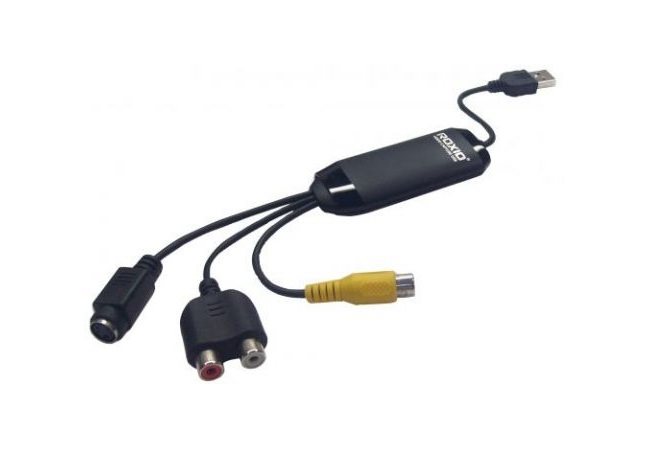
Digitization takes place in three steps. First, connect the VHS player or camcorder to the supplied cable (composite or S-Video input). Then you connect the other side with the USB port to the computer and the program will take care of the third step itself. It will create a full-fledged digital film suitable for playback on mobile devices, social networks or burn it to DVD.
Key features of the Easy VHS to DVD 3 video converter
- Digitizes VHS, Hi8, V8 tapes, analog LP and audio tapes
- Easy sharing on YouTube or Facebook
- Composite and S-Video input
- Including USB converter
- Physical license for 1 Mac device
Minimum system requirements
Mac with Intel processor
512 MB RAM (1 GB RAM recommended)
Mac OS X 10.11 and later with the latest software and security updates installed
15 GB of free hard disk space is recommended
USB 2.0 or better port available
Specifications
Basic parameters
License type
| Code: | WZ570q |
| Links: | Producer's Website: |