
Reviews NAVITEL R99 4K (Sony, GPS, Wi-Fi, USB power)
Interested in reviews of NAVITEL R99 4K (Sony, GPS, Wi-Fi, USB power)? It got 4.4 out of 5 stars from our customers. Find specific customer reviews of NAVITEL R99 4K (Sony, GPS, Wi-Fi, USB power) below. We will appreciate if you also share your experiences with NAVITEL R99 4K (Sony, GPS, Wi-Fi, USB power) after purchasing.
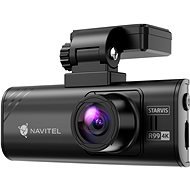
NAVITEL R99 4K (Sony, GPS, Wi-Fi, USB power)
Discontinued

Samuel, Karviná
Rated 24/08/2026, variant NAVITEL R99 4K (Sony, GPS, Wi-Fi, USB power)
Verified purchase
Quality image
4K
A little more warm
0 ×Report
Automatic translation

Libor, Chvalíkovice
Rated 09/08/2026, variant NAVITEL R99 4K (Sony, GPS, Wi-Fi, USB power)
Verified purchase - review from a price comparison website
So far so good
0 ×Report
Automatic translation

Tomáš, Praha
Rated 05/08/2026, variant NAVITEL R99 4K (Sony, GPS, Wi-Fi, USB power)
Verified purchase
Easy installation
Simple/intuitive controls
Great video
Radar reports
Heats up a lot
Refuses to remember any settings (a firmware update might fix it)
0 ×Report
Automatic translation

Customer, Mnichovo Hradiště
Rated 20/07/2026, variant NAVITEL R99 4K (Sony, GPS, Wi-Fi, USB power)
Verified purchase - review from a price comparison website
Good camera
0 ×Report
Automatic translation

Jaroslav, Březno
Rated 01/07/2026, variant NAVITEL R99 4K (Sony, GPS, Wi-Fi, USB power)
Verified purchase
As far as the camera is concerned, I’m happy with it so far. And I don’t know how anyone can say that files take a long time to download. I’ve got no problem with that. It’s true I’ve only had the camera for a short while, but I’m happy with it so far.
Nothing
0 ×Report
Automatic translation
Aqua Solutions, s.r.o., Brumov-Bylnice
Rated 27/06/2026, variant NAVITEL R99 4K (Sony, GPS, Wi-Fi, USB power)
Verified purchase - review from a price comparison website
We went to buy a radar detector, but you sold us a car that doesn’t have one
0 ×Report
Automatic translation

Michael, Novosedlice
Rated 15/05/2026, variant NAVITEL R99 4K (Sony, GPS, Wi-Fi, USB power)
Verified purchase
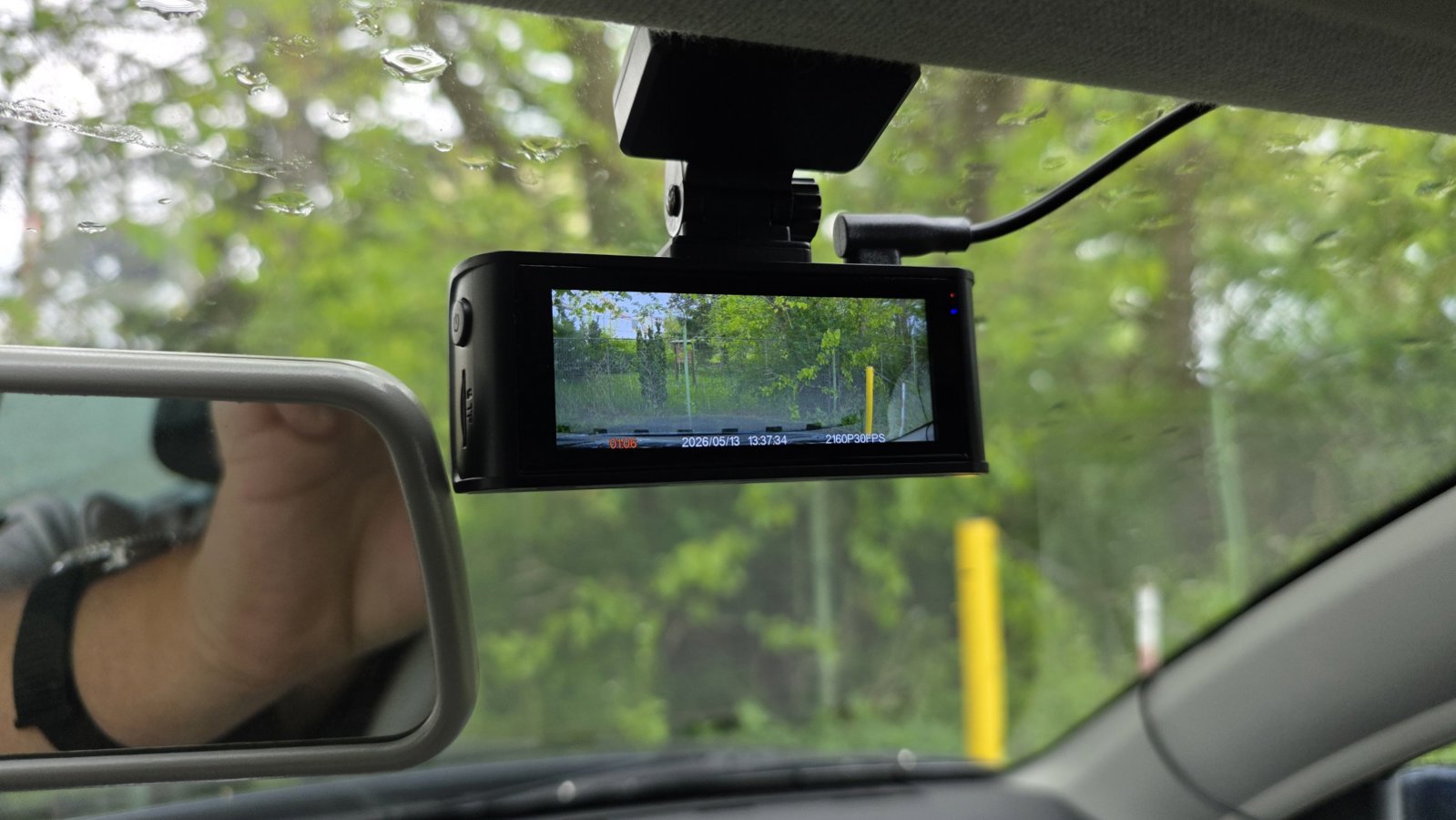
High-quality Sony sensor
Small and discreet


0 ×Report

Pavel, Praha 11 - Chodov
Rated 24/04/2026, variant NAVITEL R99 4K (Sony, GPS, Wi-Fi, USB power)
Verified purchase
After half a year of updates and camera collapse. Against Truecam endurance very desperate.
to the failure of the video in nice quality
heats up a lot
after half a year it completely stopped working
0 ×Report
Automatic translation
Anonymous customer
Rated 17/03/2026, variant NAVITEL R99 4K (Sony, GPS, Wi-Fi, USB power)
Verified purchase
I have been using for a long time and so far still OK. I preferred not to upgrade the firmware yet due to the reviews. If I need to record I pull out the SD card and download on the PC. The application is practically unusable, max for first time setup.
Good image
He takes the big card
Radar alerts
Application unusable
Downloading records from APP very slow
0 ×Report
Automatic translation
Company
Rated 16/02/2026, variant NAVITEL R99 4K (Sony, GPS, Wi-Fi, USB power)
Verified purchase
Touchscreen for settings.
The camera has overexposed night shots, for this reason it is almost impossible to read the RZ of the car in front of you.
Radar reporting not working
Impossible to adjust the camera angle continuously, it can only be done by the teeth and you have to choose a compromise between more hood or more sky.

0 ×Report
Automatic translation