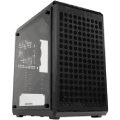
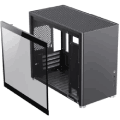
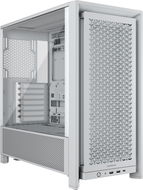
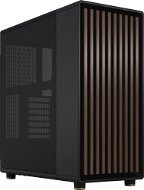
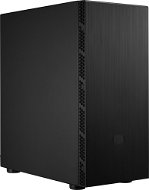
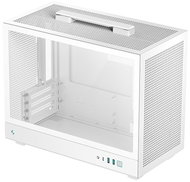
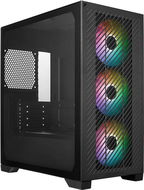
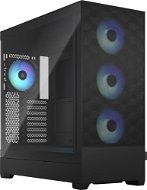
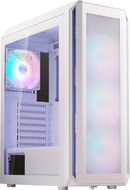
When choosing a PC case, take into consideration whether you are building a general-purpose or a special-purpose computer. Where you intend to stand your computer can also determine what case you should pick. PC cases differ primarily in size, which determines their capacity to accommodate PC components. To help you select the best fit for your needs, we prepared this easy PC case guide.
PC cases differ mainly in size, which predetermines compatibility with PC components, but also in internal air circulation. The basic case size distribution is closely related to the type of motherboard supported. The most common types of a computer case are Big Tower, Midi Tower and Mini Tower.
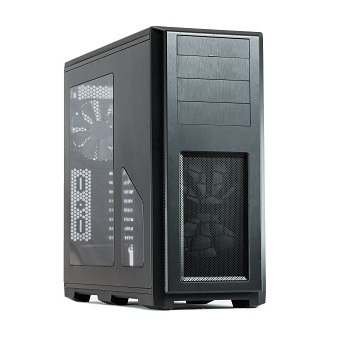
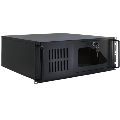
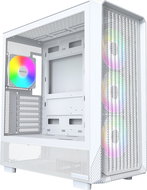
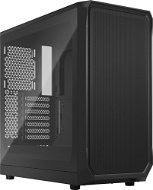
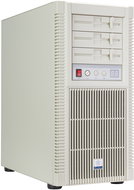
Big Tower PC Case
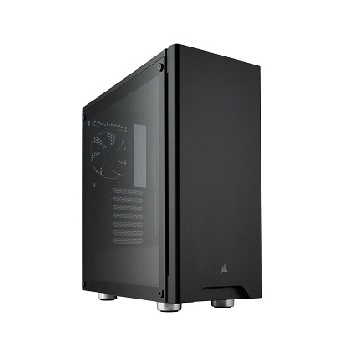
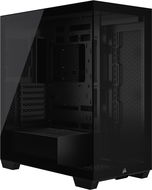
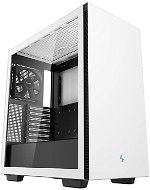
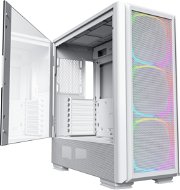
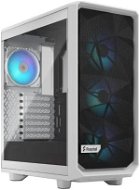
Midi Tower PC case
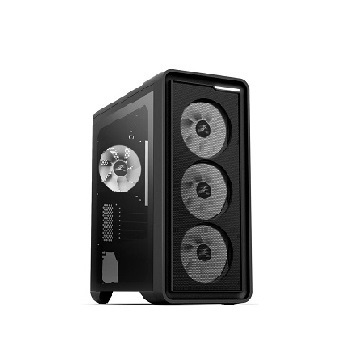
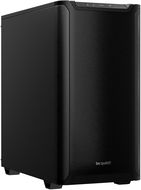
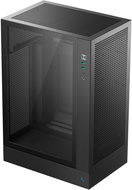
Mini Tower PC Case
Big Tower Case Is the Largest PC Case
The Big Tower PC case is the ideal choice for the most demanding users thanks to its dimensions. It offers enough space for the largest eATX and ATX motherboards,
a big number of slots for coolers and several hard drives. The Big Tower computer case provides ample space for clear cable management and for buying new components.
Mid Tower Case — the Middleman
The Midi Tower computer case is one of the most common types. It offers a compromise between space for components, air circulation and the size of the case itself and supports ATX or smaller motherboards.
Mini Tower Is a PC Case for Basic Use
Mini Tower PC case holds all important components with ease. However, due to its smaller size, it is not suitable for powerful machines. You can't connect a gaming graphics card or multiple hard drives to mATX or mITX motherboards.
Large eATX or ATX motherboards can accommodate multiple graphics cards, hard drives and other expansion cards. Smaller mATX or mITX boards have significantly fewer slots.
Feels a Little Cramped? Go for Desktop PC Case or Mini ITX Enclosures
Desktop PC cases are characterised by their compact dimensions. They are designed to be placed under a monitor. Another way to save space is to put your computer in a Mini ITX computer case.
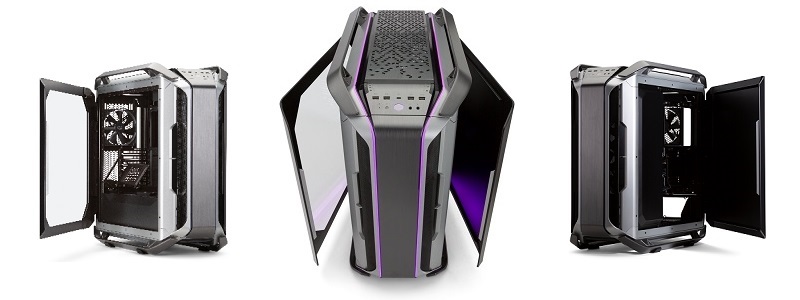
Gaming PC Case — For the Most Powerful Stations
A gaming PC case is usually larger. Every gaming PC needs powerful components, which are usually larger than their less powerful counterparts, and with that, the components also need enough space in the gaming PC case for cooling.
In addition to its size, a gaming PC case also stands out for itsdesign and unusual construction features.
PC Case — Important Parameters
Do you have a PC case type selected? See other important parameters and features that may influence your choice.
PC Case with or without a Power Supply?
PC cases come equipped or without a power supply. Remember that the power supply must have enough power to power all computer components, and the higher the power, the higher the power consumption.
External PC Case Panel and its Location
The outer panel of the PC case is used to quickly connect headphones, external storage and other computer accessories. It is often located on the front or top of the PC case where it is easily accessible.
Which Connectors Should You not Forget?
The external connectors, which are part of the motherboard, can usually be found on the back of the PC case. There should definitely be a sufficient number of USB connectors for connecting PC peripherals, audio connectors and a LAN network connector.
i
For experimenting with components and unconventional designs, try PC cases for tuning.
PC Case and Other Handy Features
A PC case is the first item on many shopping lists. Choosing the right one that is just the right height and width is no easy task. That's why we have a list of a few more features that you shouldn't miss.
Cable management prevents damage to cables and makes it easier to plug individual components appropriately.
Computer case backlighting adds aesthetic value to your machine.
Built-in dust filters prevent dust from settling on the components inside the PC case.
Sound insulation dampens the noise of fans inside the PC case. It will come in handy especially for powerful computers.
Tool-less is a system of quick-release mechanisms that replaces the classic screw fastening system.
A computer case is what gives your computer a shape and form. Without it, it would be just a pile of parts connected to each other. However, computer cases are no longer visually boring grey boxes. On the contrary - they can become the centrepiece of your room. Modern cases are available in elegant, futuristic, and minimalist designs. They are designed to ventilate the hot air that is coming out of the individual system components, and provide adequate mounting points for optical drives, hard drives, or additional fans. Many also offer easily accessible data (USB, FireWire) or audio (headphone) ports on the front panel.
Computer cases designed for normal use (office, home) are either tower cases (vertical), desktops (horizontal) or Mini-ITX. Most of them come with a preinstalled power supply unit. Rack and Server cases are for business use and for building servers.
Tower cases are categorised by size: Mini Tower, Mid Tower and Full Tower. A special feature of some Mini Tower cases is that they do not support ATX motherboards (mATX are supported). The other two sizes are compatible with both formats and provide more space for computer components. The Mini-ITX format is designed for smaller motherboards and is used when there are lower demands on the computer's performance. Barebone systems are similar and often come already partially assembled. Most have a built-in motherboard and power source unit, which slightly limits the choices of other components.
Alza.cz a. s., Company identification number 27082440, use cookies and other data to ensure the proper functioning of the website and, with your consent, also, among other things, to personalize advertising and the content of our websites. By clicking on the “I understand“ button, you agree to the use of cookies and the transfer of data regarding the behavior on the website for displaying targeted advertising on social networks and advertising networks on other websites.